.png?width=100&height=75&name=Logo2%20(2).png)
Certainly! To share a meeting, simply locate and click on the sharing button found on the control panel:
.png?width=688&height=415&name=Untitled%20(8).png)
You can also find the sharing button on the "Compare Destinations" page:
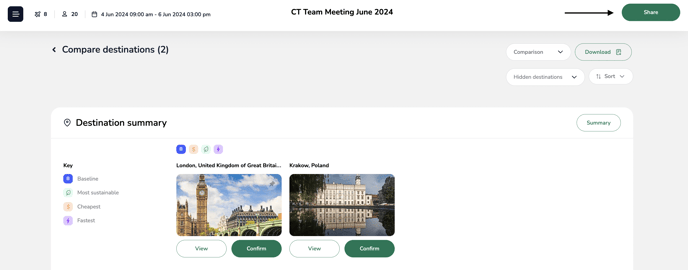
You can choose whether to grant viewing or editing access to your colleagues.
You can only share a meeting with a colleague who is already registered as a user on TROOP.