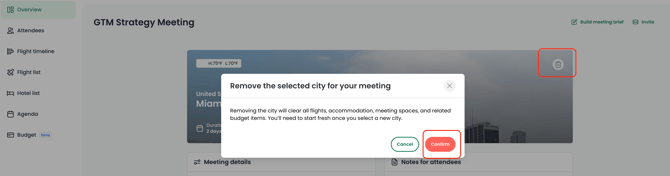
If you accidentally add the wrong city, no worries—you can easily remove it from your scenario or meeting.
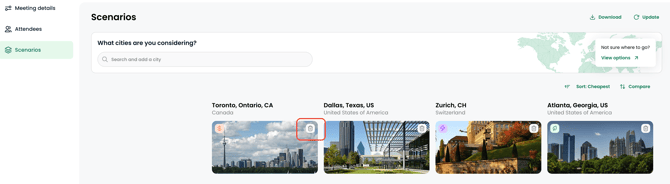
In Explore, navigate to the Scenarios tab. Click the trash icon on any city you want to remove.
In Plan, navigate to the Overview tab. Click the trash icon on the city to remove it and start over.