
TROOP’s RSVP feature makes it easy to invite attendees by email and track their responses in one place — so you always know who’s in, who’s out, and who hasn’t replied yet.
Invite attendees to your meeting
Follow the steps below to invite attendees to your meeting:
Attendees receive their invite by email and can RSVP through the link provided. They can also confirm dietary restrictions and add any accessibility needs.
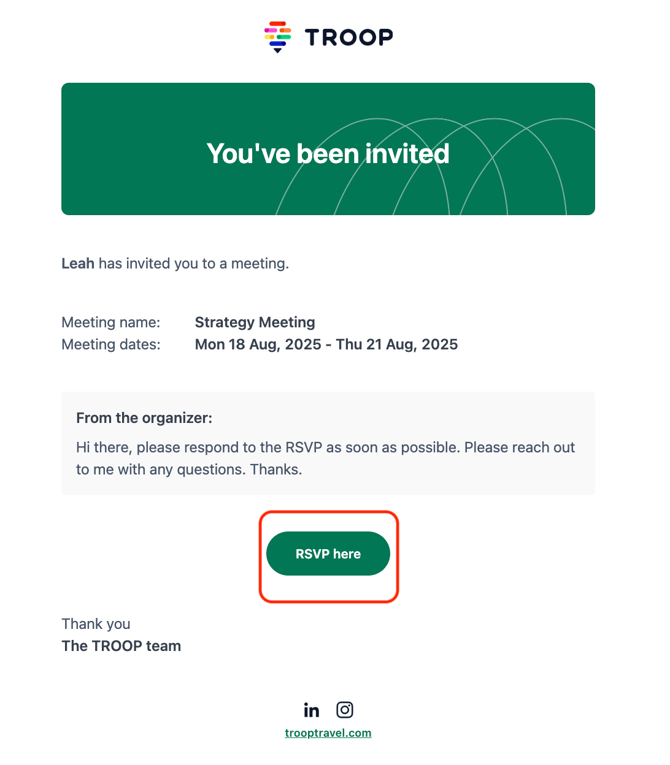
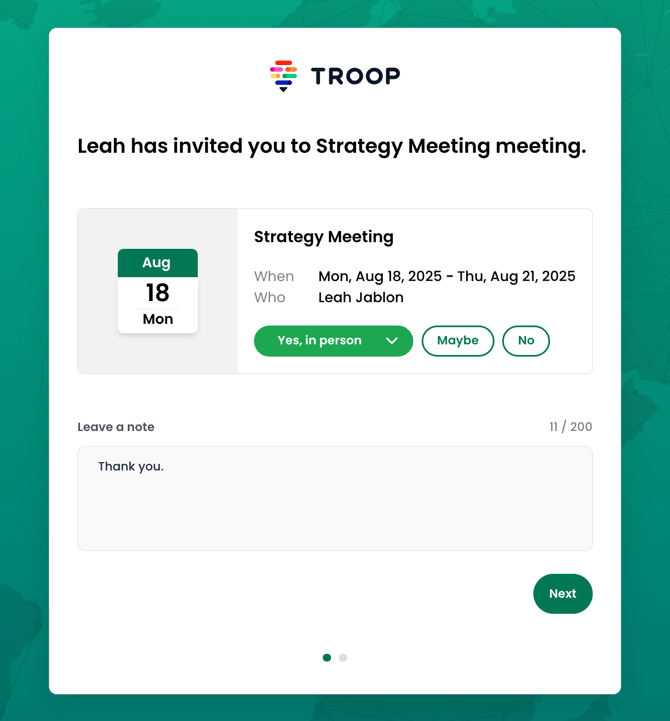
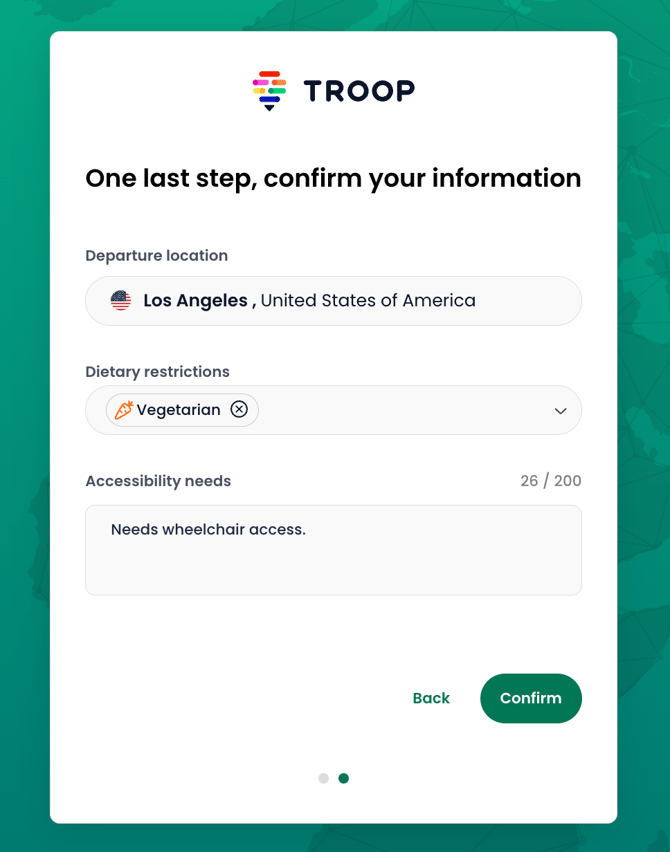
Attendees can update their RSVP at any time by revisiting the same page or clicking the link in the email again.
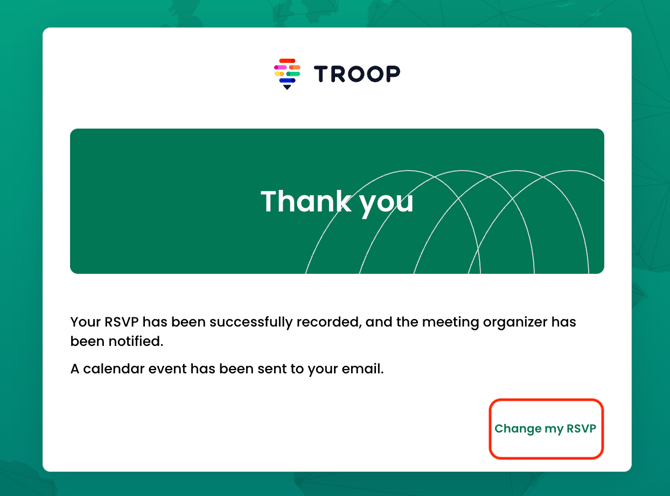
📍 Selecting “Yes” or “Maybe” for an RSVP automatically places a hold on the attendee’s calendar.
💡 Click the header of the RSVP column to sort by response type. You can also filter the attendee roster by response type.
Update an attendee's RSVP on their behalf
Follow these steps to update an attendee's RSVP from their attendee roster profile:
🚨 If you update an attendee's RSVP on their behalf, they will not receive an email notification.